The iOS 27 update is now one of the most important software releases for iPhone users in 2026. It brings attention to compatibility, preparation and the safest way to install Apple’s next major mobile system.
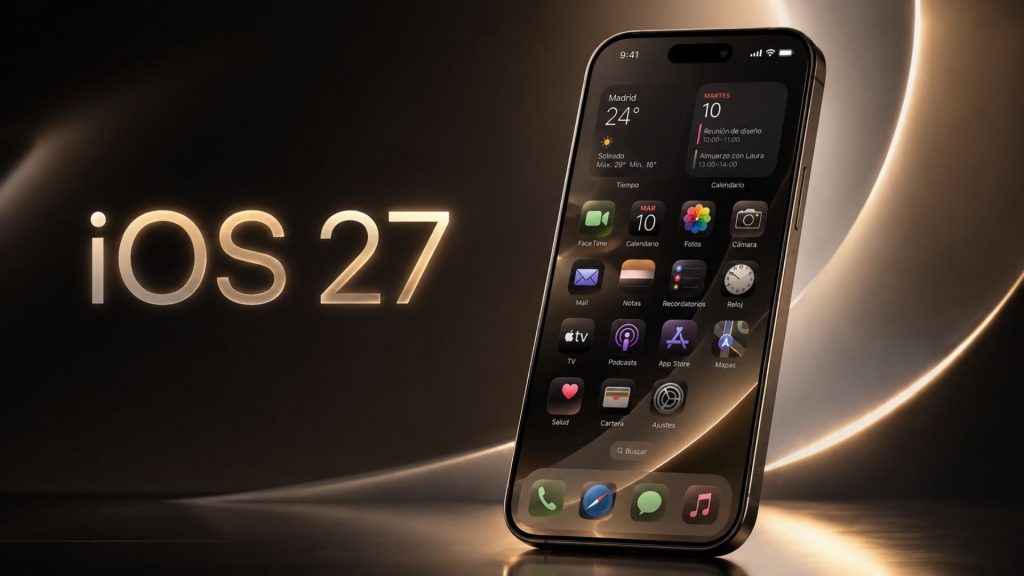
What happened with the iOS 27 update
Apple introduced iOS 27 during WWDC 2026, its annual developer conference. The update focuses on performance, interface refinements and expanded artificial intelligence features across the iPhone ecosystem.
According to the information available so far, iOS 27 is expected to support a broad range of iPhones. Early reports indicate support may extend back to the iPhone 11 series, although some advanced features may still require newer hardware.
This matters because many users want to know if their current iPhone can receive the update. For older devices, compatibility can determine whether the phone remains useful for security, apps and daily performance.
Which iPhones may receive iOS 27
Based on early information, compatible models may include the iPhone 11 and newer devices. That would cover several generations, including the iPhone 12, iPhone 13, iPhone 14, iPhone 15, iPhone 16 and iPhone 17 families.
However, not every feature will work on every supported iPhone. Apple Intelligence tools usually depend on newer chips, more memory and on-device processing power.
For this reason, users should separate two ideas. One is whether the phone can install iOS 27. The other is whether it can use every new feature included in the update.
How to prepare your iPhone before updating
Before installing the iOS 27 update, users should make a full backup. This can be done through iCloud or by connecting the iPhone to a Mac or PC.
It is also useful to free storage space. Major iOS updates often need several gigabytes during installation, even if the final system uses less space.
In addition, users should update important apps before installing iOS 27. Banking apps, work tools, messaging apps and travel apps should be checked first, especially if the iPhone is used every day.
How to install the update safely
When iOS 27 becomes available for regular users, the process should follow Apple’s usual path. Open Settings, enter General and select Software Update.
The iPhone should have enough battery before starting. Ideally, it should be connected to Wi-Fi and charging during the process.
Users who depend on their phone for work may prefer to wait a few days before updating. This allows time for early bugs to appear and for Apple or app developers to release quick fixes.
What this means for iPhone users
The iOS 27 update shows how important software support has become in the smartphone market. A longer update cycle can help users keep their devices for more years.
At the same time, the growing role of Apple Intelligence may create a clearer difference between older and newer iPhones. Some users may receive the system update but not every AI feature.
For most people, the best approach is simple. Check compatibility, make a backup, review storage and wait for the stable public release before installing it on a main device.