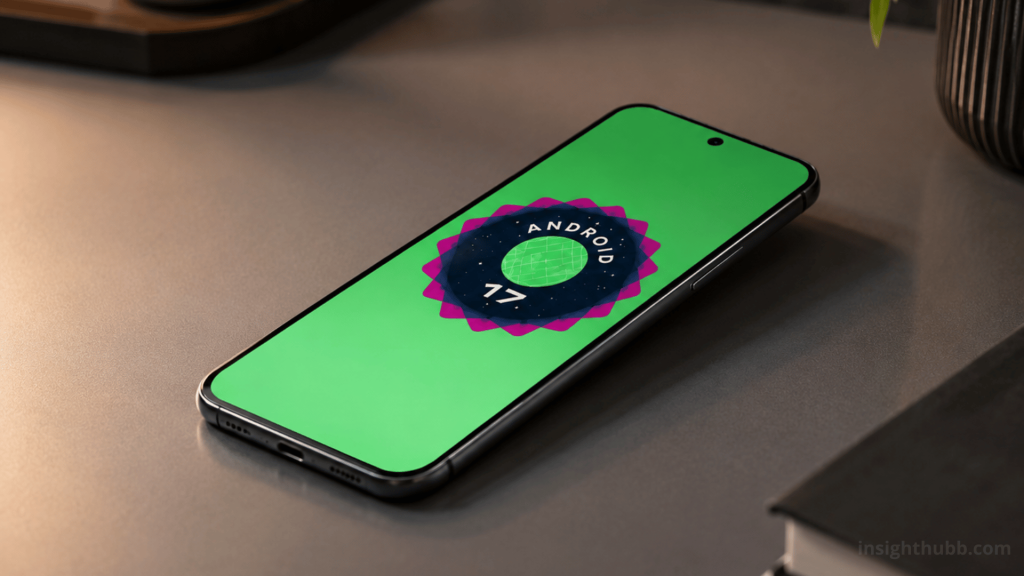
Google has kicked off the global rollout of Android 17, the newest version of its mobile operating system, arriving first on Pixel devices. The update, officially unveiled at Google I/O 2026, brings a set of changes centered on multitasking, privacy, security, and features tailored specifically for foldable screens. Here’s everything you need to know, including the full list of phones that can already update.
App Bubbles: Multitasking in Floating Windows
The most visible new feature in Android 17 is “App Bubbles,” which lets users turn any app into a compact floating window simply by long-pressing its icon on the home screen. That window can be pinned on top of other apps, making it possible to check messages, notes, or widgets without leaving whatever else is on screen.
While the bubble concept isn’t entirely new to Android, this implementation extends the feature to any app on the system rather than just messaging apps, marking a real shift in how multitasking works on the phone.
Foldable Gaming Mode: Built for Book-Style Devices
Android 17 also debuts “Foldable Gaming Mode,” a feature designed specifically for foldable phones and tablets. When activated on a device like the Pixel Fold, the screen splits into two halves: one side shows the game itself, while the other functions as a customizable touch control pad, similar to a handheld gaming console experience.
Google has clarified that while this feature is already part of Android 17’s base code, its full rollout to users will happen gradually over the coming months.
Stronger Privacy: More Granular Permissions
On the privacy front, Android 17 introduces tighter controls over access to personal data. Among the most relevant changes is the option to grant an app precise location access for a single use instead of a permanent permission, plus a new selector that lets users share specific contacts with an app rather than handing over the entire address book.
Improved Anti-Theft Security
The update also strengthens the “Mark as lost” feature within Find Hub (formerly Find My Device), which can now require biometric authentication to unlock the device, even if someone knows the passcode. This is paired with additional barriers against suspicious apps, scam attempts, and targeted attacks, along with longer wait times between failed PIN attempts to make brute-force attacks harder.
New Tools for Content Creators
For those who regularly record content, Android 17 adds “Screen Reactions,” a tool that lets users record their screen and front camera simultaneously — ideal for reaction videos and tutorials. The screen recorder interface was also redesigned into a floating pill-shaped format, more discreet than the traditional menu.
Other Changes: Connectivity and Design
Android 17 improves file transfers with iOS devices, making them faster, and debuts a continuity feature that lets users “push” whatever they’re doing on their phone to another nearby compatible device. Visually, Google fully redesigned the Quick Settings buttons and simplified settings menus with more compact list layouts. Native support for the LHDC v5 audio codec was also added, improving sound quality over wireless connections.
One of the most anticipated features, Gemini integrated directly into the system’s core through “Gemini Intelligence,” will only reach select devices at a later date beyond the initial launch.
Which Phones Are Compatible With Android 17?
The stable rollout is already available for every Pixel model from the Pixel 6 onward, including the Pixel Tablet and the original Pixel Fold. The full list of compatible Pixel devices includes:
Pixel 6, Pixel 6 Pro, Pixel 6a, Pixel 7, Pixel 7 Pro, Pixel 7a, Pixel 8, Pixel 8 Pro, Pixel 8a, Pixel 9, Pixel 9 Pro, Pixel 9 Pro XL, Pixel 9 Pro Fold, Pixel Fold, Pixel 10, Pixel 10 Pro, Pixel 10 Pro XL, and Pixel 10a.
Samsung has already confirmed it will roll out Android 17 under its One UI 9 layer, focused on optimization and performance improvements, and interested users can try the new features early through Samsung’s beta program, with the caveat of possible minor performance bugs. Other manufacturers like Xiaomi have also begun confirming the first models set to receive the update, though the specific timeline depends on each brand.
How to Update
To install Android 17 on a compatible Pixel device, go to Settings, open the “System update” section, and follow the standard download and installation process. For other brands, the update will arrive according to each manufacturer’s own timeline for adapting the new version to their custom interface.